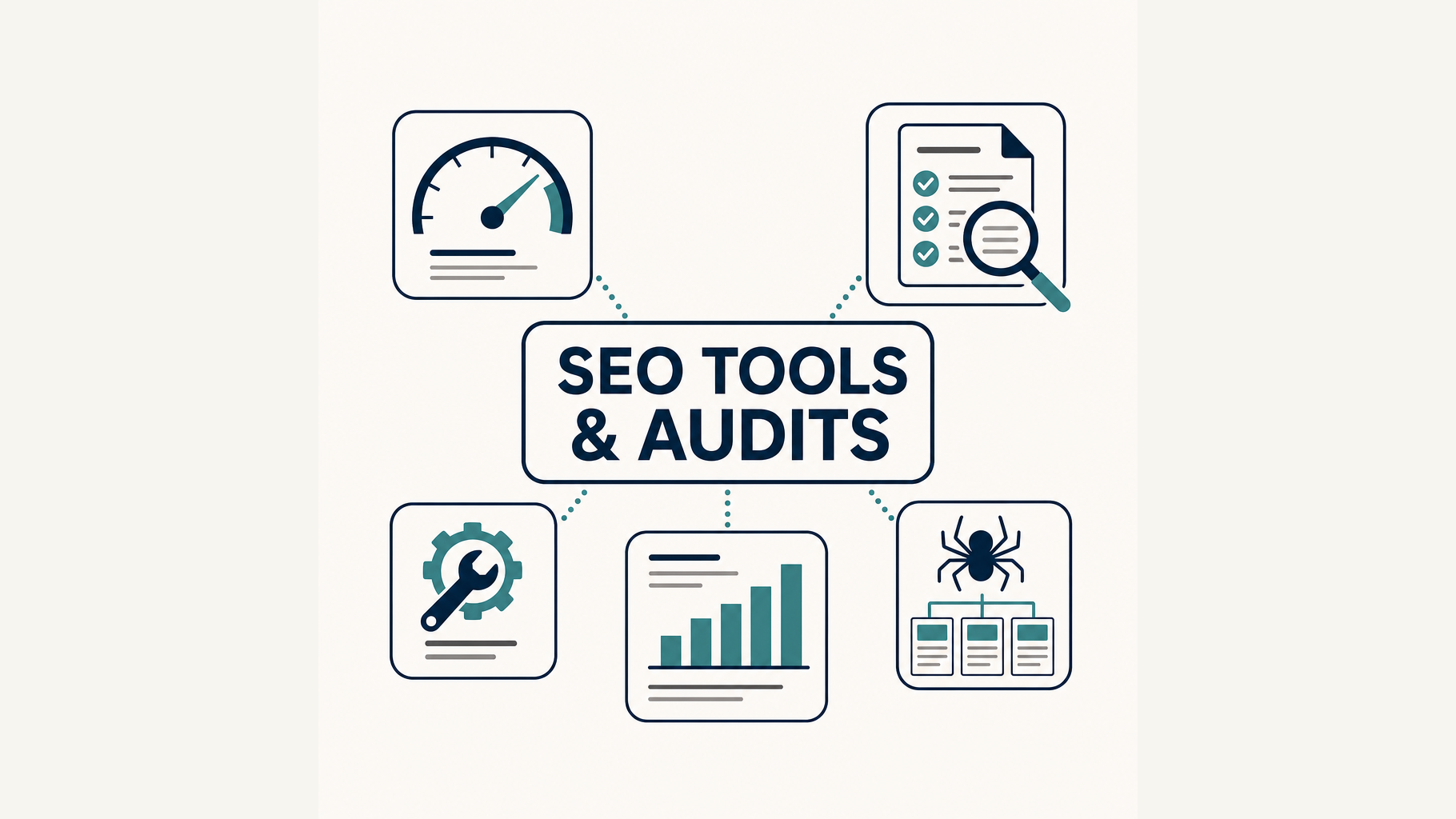
This is Part 9 of the Digital Yeast SEO course. By now you understand keywords, content, on-page and technical, local and links. But how do you know it's working — and how do you find what's broken? That's what this part covers: the free toolkit and a repeatable audit.
The good news: you don't need to spend a naira on SEO software to make real progress. But if you only read the six-step version of this guide and stop there, you'll know how to run a basic health check — not how to audit your site properly. So below I expand it into the full picture: the tool categories that matter, an open-source trend that changes the pricing game, and a genuinely comprehensive audit you can repeat.
The free toolkit (plenty to start)
- Google Search Console — free. Shows your indexed pages, the queries people use, clicks, impressions, average position, and Core Web Vitals. This is the single most important tool for any site owner.
- Bing Webmaster Tools — free. The Bing twin of Search Console (and Bing powers much of the third-party search you should still care about).
- Google PageSpeed Insights — free. Scores mobile and desktop with the Core Web Vitals from Part 3.
- Ahrefs Free — free for a verified site. Its free plan covers Site Explorer (up to 1,000 backlinks and keywords per domain) and Site Audit (5,000 crawl credits per month). That's a serious amount of data at no cost, and it deserves a place beside Search Console rather than the paid "one day" lists.
- Screaming Frog SEO Spider (free version) — a genuinely permanent free licence, capped at 500 URLs per crawl. That's plenty for a small site and most of this guide's checks. (Sitebulb, by contrast, offers a fully featured 14-day trial and then needs a paid licence — don't confuse the two.)
- Google Keyword Planner / Ubersuggest — for the keyword research volumes from Part 4.
- Your own site: the "View Source" and "Inspect" tools in any browser let you check titles, meta descriptions, headings and schema directly.
Download nothing sketchy — every tool above is official and free (or has a genuinely free tier). If you later outgrow the free tiers, paid suites like Ahrefs or Semrush add depth, but they're not required to make real progress.
The bigger picture: categories of SEO tools
One reason new site owners get lost is that "SEO tool" is a catch-all. The tools actually fall into clear categories, each answering a different question. Knowing which category a problem belongs to tells you which tool to open:
| Category | Examples | What it answers |
|---|---|---|
| Search performance | Google Search Console, Bing Webmaster Tools | Are people finding me? Which queries and pages perform? |
| Analytics | Google Analytics 4, Ahrefs Web Analytics | What happens after visitors arrive? |
| Crawlers / technical audits | Screaming Frog, Sitebulb, OpenSEO, Ahrefs Site Audit | What is technically broken? |
| Performance | PageSpeed Insights, Lighthouse | Is the site fast and usable? |
| Keyword research | Keyword Planner, Ahrefs, Semrush, Ubersuggest, DataForSEO | What are people searching for? |
| SERP / rank tracking | Ahrefs, Semrush, OpenSEO, DataForSEO | Where do I rank, and who outranks me? |
| Backlinks | Ahrefs, Semrush, OpenSEO, DataForSEO | Who links to me and to my competitors? |
| Structured data | Rich Results Test, Schema Markup Validator | Is my schema valid? |
| Local SEO | Google Business Profile, BrightLocal | How visible am I locally? |
| AI / AEO visibility | OpenSEO, DataForSEO AI Optimization | Am I surfaced or cited in AI answers? |
You don't need one tool per category. Search Console + Screaming Frog (or Ahrefs Free) + PageSpeed Insights covers most of the column for a small site. The table is there so you can see what exists and route a problem to the right tool when you hit it.
What an audit actually is
An audit is a structured check of your site against the fundamentals we've covered, producing a prioritised list of fixes. You're not looking at everything at once — you're looking for the issues with the biggest impact, so you can fix them in order.
A good audit answers four questions:
- Can Google find and index my pages? (technical / on-page)
- Are my pages optimised (titles, headings, intent)? (content)
- Do I have the trust signals (links, local, entity)? (off-page)
- Is the site fast and mobile-friendly? (Core Web Vitals)
Run a proper audit in 10 steps
The six-step "first health check" is fine as a warm-up, but a serious audit covers more ground than indexing, speed and titles. Here's the fuller flow, in an order that makes sense:
1. Establish goals and benchmarks. Decide what "good" looks like before you start. What are the goal pages? What does success mean — leads, sales, signups, brand searches? Capture current rankings and traffic so you can measure change later.
2. Check Search Console and analytics. Start with what Google already tells you rather than guessing. In Search Console, look at the Page Indexing report and the URL Inspection tool — these are the authoritative check of whether a URL is actually indexed, far more reliable than a site: search. Then pull query and page performance: impressions versus clicks, declining pages, positions that slipped, and high-impression/low-CTR opportunities (pages shown often but seldom clicked).
3. Audit crawling and indexation. Work through the fundamentals: robots.txt, noindex tags, XML sitemaps, HTTP status codes, redirect chains and loops, canonical tags, duplicate URLs, orphan pages and crawl depth. Canonicalisation matters a lot here — Google can encounter substantially similar content through several URLs, and a clear canonical tells it which version is the primary one.
4. Crawl the website. Run Screaming Frog (free, 500 URLs) or Ahrefs Site Audit across your key pages. Look for 404s, redirect chains, duplicate titles, missing meta descriptions, broken images, and thin pages. One note — don't panic over "more than one H1." Multiple H1s are not by themselves a Google SEO violation. What matters is that the page has one unambiguous primary title and a logical document structure, which is what Google's current guidance actually focuses on.
5. Audit site architecture and internal linking. Check the navigation hierarchy, click depth, breadcrumbs, orphan pages (no internal links pointing to them), anchor text, and how internal PageRank distributes across your important pages. A page can be perfectly optimised and still struggle if nothing links to it from within the site.
6. Audit on-page optimisation and structured data. For each important page, check the title, meta description, primary heading, heading structure, keyword/topic alignment, internal links, image alt attributes, and descriptive URLs. Then validate your schema with Google's Rich Results Test and the Schema Markup Validator — both are free and are exactly what Google itself recommends for checking structured data.
7. Audit content quality, gaps and cannibalisation. This is the step most beginners miss. Look for pages with zero or very low organic traffic, outdated content, thin or unhelpful pages, search-intent mismatches, keyword cannibalisation (two pages targeting the same phrase and competing with each other), overlapping pages, content gaps versus competitors, important pages receiving no internal links — and then decide whether each weak page should be consolidated, updated or deleted rather than just left to rot.
8. Audit speed, Core Web Vitals and mobile UX. Run key pages through PageSpeed Insights and Lighthouse. But don't just "fix the red flags" — distinguish lab data (a controlled test in Lighthouse) from field data (real performance experienced by real users, which Search Console reports). Field data is what matters most; treat lab warnings as a guide, not gospel. Aim for LCP under 2.5s, INP under 200ms and CLS under 0.1.
9. Audit backlinks, local visibility and competitors. Yes, the classic off-page audit — the gap in the short version. Look at referring domains, your most important backlinks, recently lost links, broken backlinks, competitor link gaps, suspicious or spam links, your anchor-text profile, and which pages attract links. If the business is local: Google Business Profile accuracy, NAP consistency across the web, reviews, local landing pages and local rankings.
10. Check AI-search visibility, then prioritise everything. (See the next section on AI.) Finally, rank every finding by Impact × Confidence × Effort — and be honest that not every warning a tool emits deserves fixing.
Open-source and AI-native SEO tools
The SEO-tool market is starting to split into two layers, and this makes the landscape genuinely different from five years ago:
- Traditional SaaS suites — Ahrefs, Semrush, Moz, Ubersuggest. Polished, powerful, and priced per seat with recurring subscriptions.
- Open / API-driven tools — OpenSEO, DataForSEO and AI agents.
OpenSEO is an open-source alternative to Semrush and Ahrefs. It covers keyword research, rank tracking, competitor insights, backlinks, site audits and AI visibility. You can self-host it with Docker or Cloudflare, and — the distinctive bit — it exposes an MCP server and agent skills, meaning an AI agent can query and use SEO data directly rather than a human clicking through dashboards. If you (or an agency) want control of your data and the ability to plug SEO into an AI workflow, this is worth a serious look.
DataForSEO deserves its own mention because it's the quiet engine behind much of the modern tooling. Rather than being "another Ahrefs," it's primarily SEO data infrastructure — an API provider that developers and SEO products use to build their own tools instead of maintaining enormous search, backlink and keyword databases themselves. Its API family includes SERP data, keyword data, backlinks, domain analytics, on-page analysis, labs, business data, content analysis and AI-optimization data. Its On-Page API can function as a programmable website crawler with configurable SEO checks, and its backlink API returns structured backlink data.
The relationship is the fascinating part: OpenSEO uses DataForSEO underneath. When you self-host OpenSEO, you supply your own DataForSEO API credentials. OpenSEO gives you the interface, the workflows and the AI/MCP integration, while DataForSEO supplies much of the underlying SEO dataset. In diagram form:
DataForSEO → raw SEO/search data → OpenSEO → interface, workflows, analysis → AI agent / human SEO → research, audits and decisions
That model — pay for raw data by usage, run your own interface, and let an AI agent do the analysis — is the direction a lot of SEO tooling is heading, and it's worth understanding even if you never self-host anything.
SEO audits now include AI visibility
Search visibility no longer means only ten blue Google links. In 2026, people increasingly get answers from ChatGPT, Gemini and Perplexity — so an audit should ask a new set of questions:
- Does ChatGPT mention our brand? What about Gemini and Perplexity?
- Which competitors get mentioned in our place?
- Which websites are cited as sources in AI answers?
- What topics or questions generate brand mentions?
- Is AI referral traffic showing up in our analytics?
Don't overstate this — AI visibility isn't "GEO replaces SEO." It's an additional visibility layer on top of everything else. But it's a layer worth checking, and tools are already being built for it: DataForSEO has an AI Optimization API covering LLM responses, AI search scraping and AI keyword data, and OpenSEO explicitly lists AI visibility as one of its workflows.
How often to audit
- Monthly: Search Console health (indexing, queries, Core Web Vitals), a quick crawl, key pages' speed.
- Quarterly: a fuller audit — content gaps, link profile, local NAP consistency, on-page checks on new/important pages.
- When something changes: every site redesign, migration, or big content push warrants a fresh audit.
A sample audit output
The real value of an audit isn't the list of errors — it's knowing what not to fix. Not every warning an SEO tool emits deserves your time. Prioritise by Impact × Confidence × Effort, and you'll end up with something like this:
Critical — /services/seo accidentally noindexed → fix immediately
High — 37 important pages orphaned → add internal links
Medium — homepage LCP 3.7s → optimise hero image
Low — 14 meta descriptions missing → repair after higher-impact work
That's the mindset that separates a real SEO operator from someone buried in tool output: find the few things that move the needle, fix those first, and let the noise wait.
Where this fits the course
Tools and audits are how you measure and maintain everything covered in Parts 3–8. Next — and last — we pull it all together into a plan a business can actually follow: how to create a simple SEO plan. Browse the whole course any time.
This is Part 9 of the Digital Yeast modular SEO course. Parts: 3: On-Page & Technical SEO, 5: Content SEO, 8: Link Building, 10: The Simple SEO Plan. Start at Part 1 if you're new.
Comments (0)
No comments yet. Be the first to share your thoughts!
Leave a Comment
Your email address will not be published. Required fields are marked *